Manage Backups
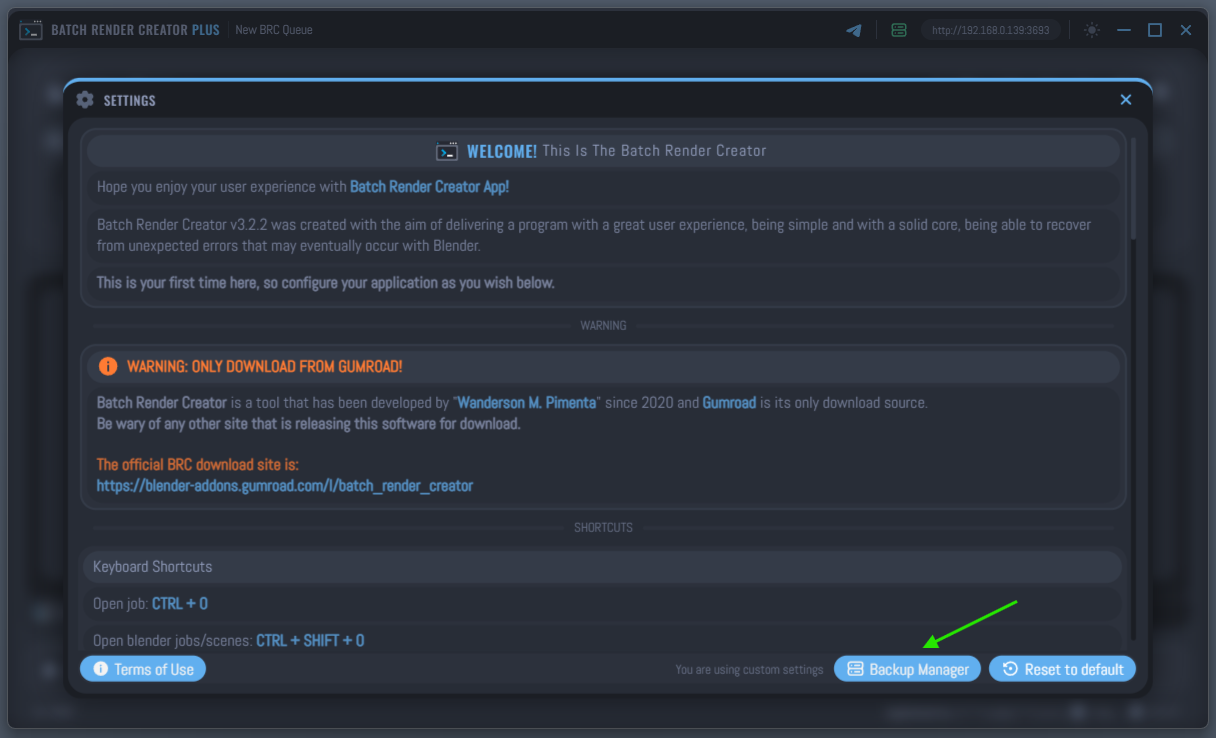
The Backup Manager is a critical safety feature of BRC v3. It ensures that your render queue, Blender configurations, and server settings are protected against database corruption or accidental data loss.
Automatic Snapshots
Every time the application is launched and the database is successfully loaded, the system automatically creates a new backup.
- Rotation System: By default, BRC v3 keeps the 10 most recent backups.
- Automatic Cleanup: When the 11th backup is created, the oldest one is automatically removed to save disk space while keeping a fresh history of your configurations.
View Backup Details
Before restoring, you can inspect the contents of any backup in the list. Selecting a backup will expand it to show:
- Blender Versions: A list of all registered Blender paths and their versions saved at that time.
- Jobs (Projects): A summary of the render queue, including filenames, cameras, and frame ranges.
- Server Users: List of authorized remote devices and their IP addresses.
How to Restore
Restoring a backup is a straightforward process, but it requires confirmation to prevent accidental overwrites.
- Select a Backup: Click on any item in the backup list.
- Click Restore: Once selected, a green button labeled "Restore Selected Backup" will appear in the top right corner.
- Confirm the Action: A security modal will appear showing a summary of what will be restored. Click "Restore Backup" to confirm.
Restoring a backup will completely replace your current database. Any jobs or settings added after that backup was created will be permanently lost.
The Backup Manager is disabled during an active render to prevent database conflicts. Ensure all renders are stopped before attempting to manage or restore backups.