Jobs & Scenes
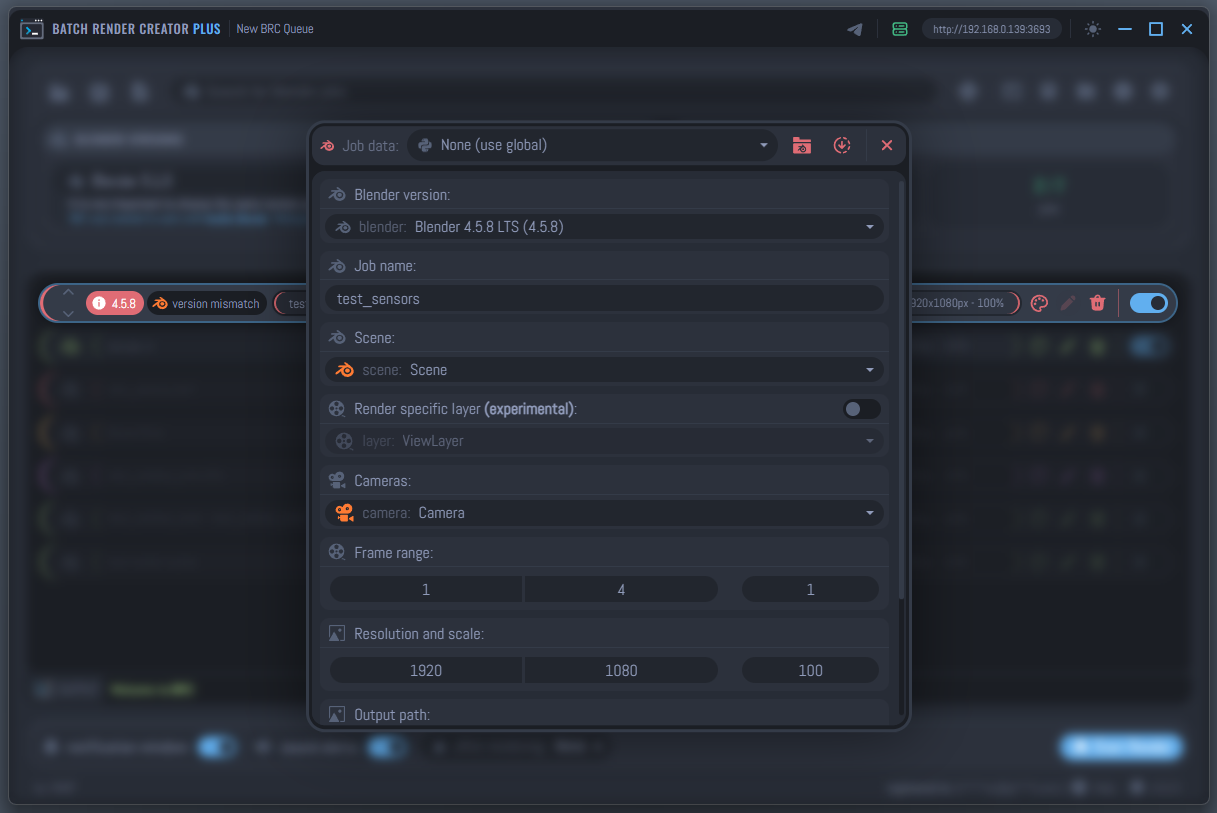
The Jobs & Scenes section is the heart of your rendering workflow. Here, you will learn how to efficiently add projects to the queue, customize individual render settings, and manage the priority of your tasks to ensure your deadlines are met.
Workflow Overview
Managing your render queue in BRC v3 involves two main phases:
- Adding to the Queue: Bringing your
.blendfiles into the system using various submission methods. - Queue Management: Fine-tuning your jobs, adjusting frame ranges, and reordering the list based on urgency.
Detailed Guides
Explore the sub-topics below to master your render queue:
- Submitting Jobs: Learn all the ways to add projects via the Blender addon, drag & drop, or the manual interface.
- Editing & Priorities: Discover how to modify job settings after they are in the queue and how to change the render order.
Always remember that BRC v3 is non-destructive. Changing resolutions or frame ranges in the queue will not modify your original Blender file.
Technically, these customizations are applied as command-line arguments at execution time. The software overrides scene parameters only during the render process, prioritizing your BRC settings without altering the integrity of the original source scene.